



Skip to content
Schedult

Everything about your posts, in one place

Your Schedult portal is where you see the month we've scheduled for you, tell us about your business, connect your accounts and talk to the people making your posts.

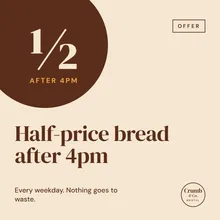
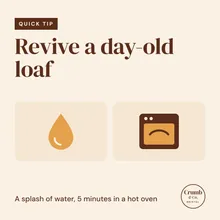
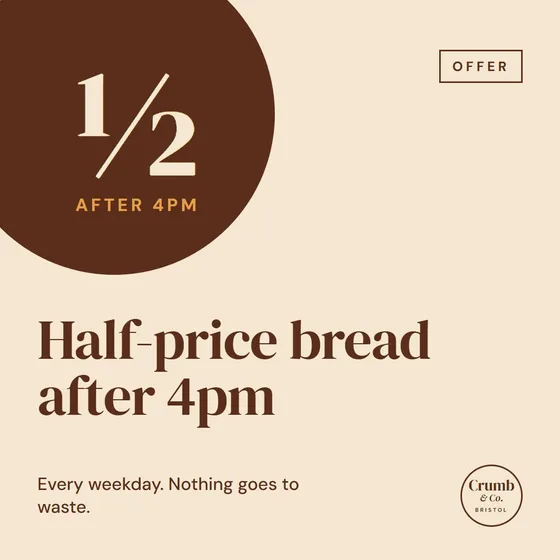
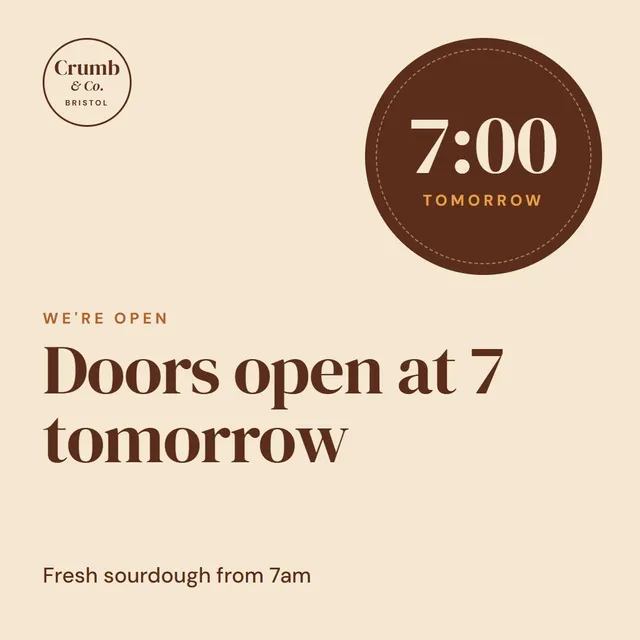
The Schedult client portal: a sample bakery's November posts on a calendar, with one post open to rate it or ask for a change.

Have a look around

This is a sample portal for Crumb & Co., a bakery on the Standard plan. Click through the sections. Everything works, nothing is saved.

Crumb & Co.

November 2026

10 posts scheduled · 10 of 10 changes left

Download
1356791113141517192021232527282930

Change requested Updated Rated

Your month as one PDF

One file with every post: date, channels, image and caption. Handy to share with your team, or to print and keep by the register.

Which posts?

Hear about what matters to you

The bell in your portal tells you when new posts are scheduled, when we reply and when a blog post is ready. Pick which ones also come by email.

Notification settings
Notifications In the portal By email
Support replies When we reply to one of your tickets
New content When new posts are scheduled for you
Blog posts When a new blog post is ready
Product news New features in the portal

Emails go only to you, one per notice. Turn anything off and it stays off.

Questions about the portal

Can I cancel anytime?

Yes. There are no contracts. Cancel from your client portal and you won't be charged again.

Is there a yearly plan?

Yes. Monthly clients can switch to yearly from their portal and get a bonus: a free second year or a year on the next plan up.

Do I have to share my passwords?

No. You connect your social accounts through a secure sign-in link. We never see your passwords.

Do I have to approve every post?

No. Your month lands in your portal ahead of time, and we schedule it. If you want something changed, ask on the post before its date and we'll change it. If you're busy, it simply goes out as planned.

Can I use my own photos?

Yes, and we'd love you to. Upload them to your portal and we'll design posts around them. If you don't have any, we design with graphics and fitting stock photos.

How many changes can I ask for?

Standard includes 10 changes a month. Plus and Premium are unlimited. Each post you ask to change counts once, however many notes you add to it.

How many social profiles can I connect?

Standard connects 2, Plus 3, and Premium as many as you use. You can add extra profiles to any plan from Billing in your portal.

Can I turn off the emails?

Yes. In your notification settings you choose, for each kind of notice, whether it shows in the portal, comes by email, or both.

See your own month in the portal

Start today and your first posts are ready to look through within 3 working days.

Start your 7-day free trial

Free for 7 days, then billed monthly. Cancel anytime.