 Schedult
Getting started
Log in to the portal, or reset your password
First login, a missing invite email, a forgotten password or an expired link.
Everything happens in your client portal at portal.schedult.com. You sign in with your email and a password.
Your first login
- After you start your trial (or we set up your account), you get an email invite from Schedult.
- Click the link in the email.
- Choose a password.
- You’re in. From now on, sign in at portal.schedult.com with your email and that password.
I didn’t get the invite email
- Check your spam, junk and promotions folders, and search for “Schedult”. It can take a few minutes to arrive.
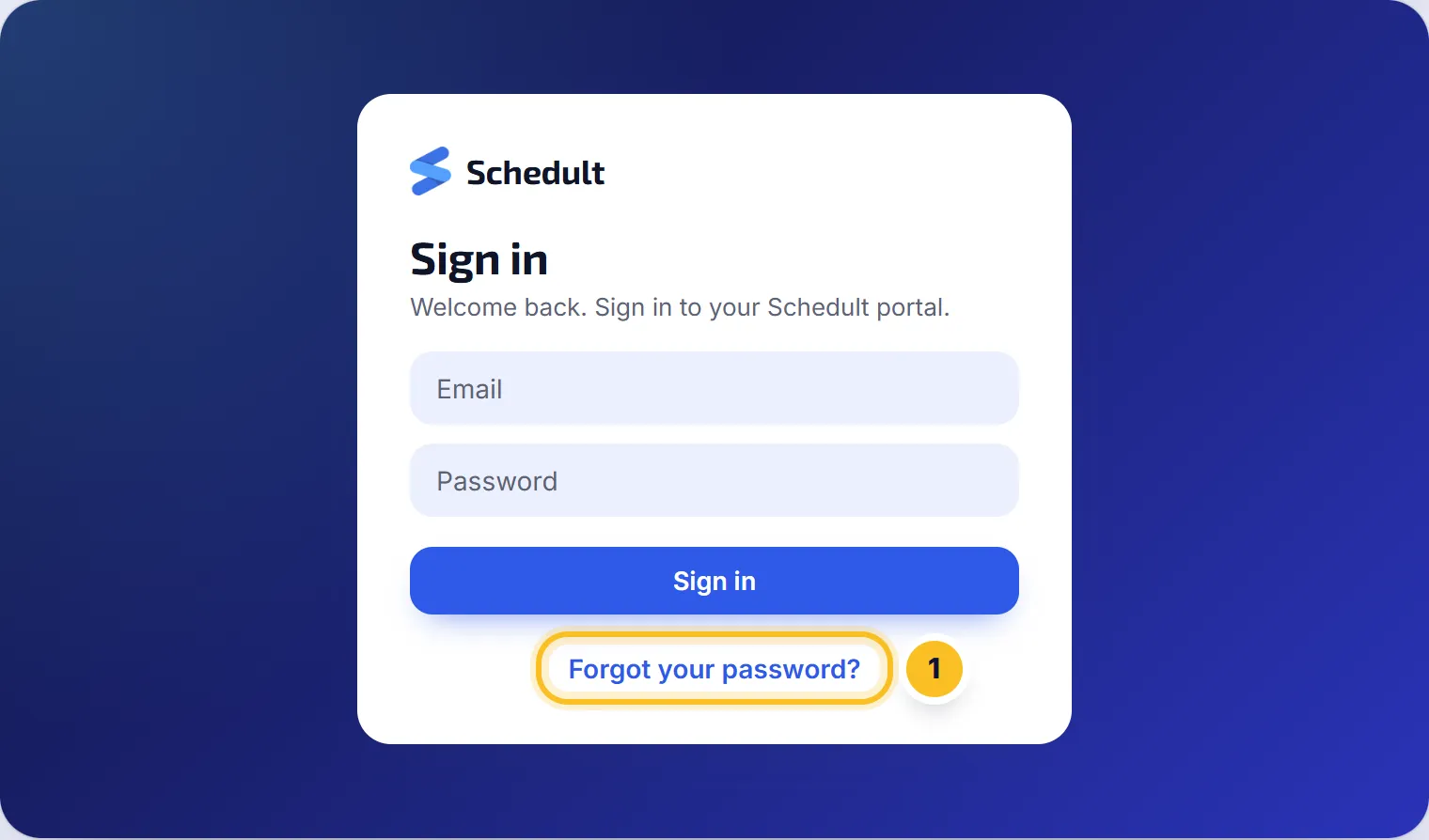
- Still nothing? Go to portal.schedult.com, click Forgot your password? and enter the email you signed up with. That sends a fresh link.
- If that doesn’t arrive either, contact us and tell us which email you signed up with.
Reset a forgotten password
- Go to portal.schedult.com.
- Click Forgot your password?
- Enter your email and click Reset password.
- Open the email we send and click the link.
- Choose a new password.
“That email or password isn’t right”
- Check you’re using the email you signed up with, not another work or billing address.
- Check caps lock is off.
- Reset your password with the steps above.
The link says it has expired
Invite and reset links only work for a short time and only once. Click Forgot your password? to get a new one.
Change the email you log in with
Contact us with your old and new address and we’ll change it for you.
Can my team log in too?
Each account has one login. If someone else needs access, contact us and we’ll sort it out with you.