 Schedult
Account and support
Notifications and emails
What the bell shows, which emails we send, and how to turn them on or off.
We let you know when something needs your attention or something new is ready, in the portal’s bell and by email.
What we notify you about
| Notice | When |
|---|---|
| Support replies | We reply to one of your tickets |
| New content | New posts are scheduled for you |
| Blog posts | A new blog post is ready |
| Disconnected profiles | A social profile needs reconnecting |
| Referrals | A friend starts a trial, or you earn a free month |
| Product news | New features in the portal |
By default everything shows in the bell, and everything except product news is also emailed.
Choose what you get
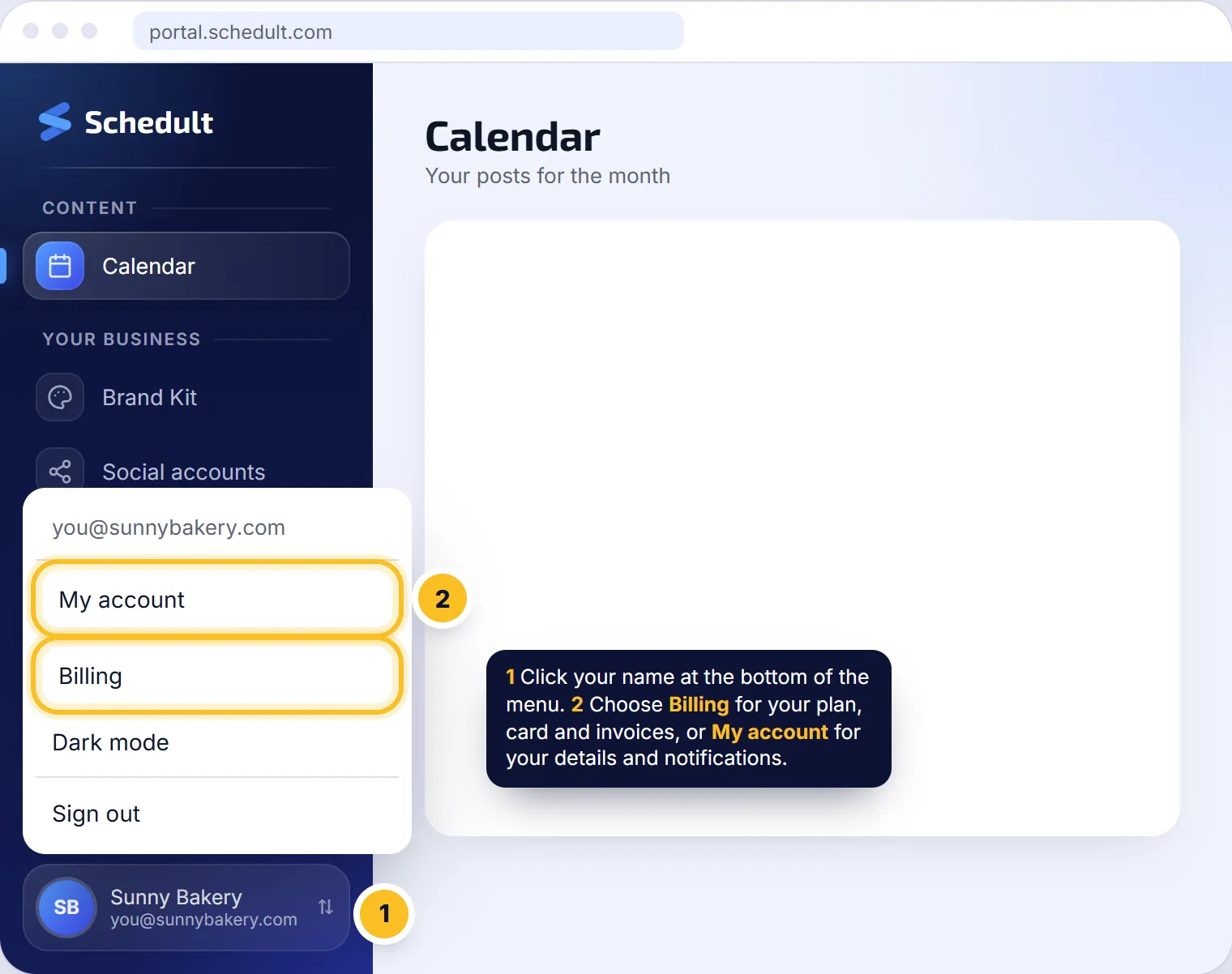
- Click your name at the bottom of the menu, then My account.
- Under notifications, switch the portal or email option on or off for each kind.
- Your choice saves straight away.
Tip: keep Disconnected profiles emails on. It’s the one notice that stops your posts going out if you miss it.
I’m not getting emails
Check your spam and promotions folders and add Schedult to your contacts. Then check the email option is switched on under My account.