 Schedult
Connecting your channels
Connect Instagram
Switch your Instagram to a Business or Creator account and connect it to Schedult.
Instagram only lets apps post to professional accounts: Business or Creator. Personal accounts can’t be posted to by any app, including ours. Switching is free, takes a minute, and you keep your posts and followers.
Step 1: switch to a professional account
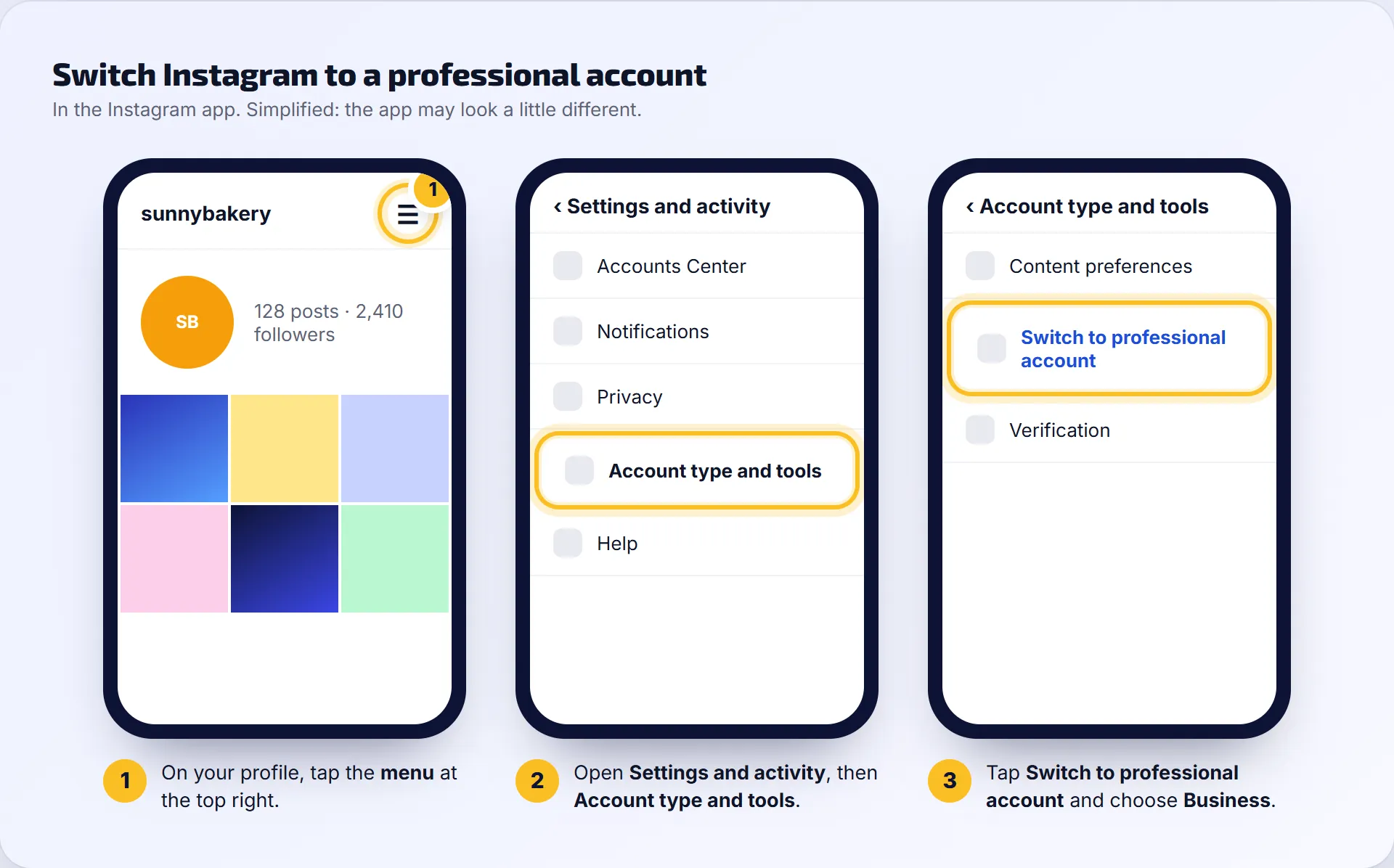
- Open the Instagram app and go to your profile.
- Tap the menu (three lines) at the top right.
- Tap Settings and activity, then Account type and tools.
- Tap Switch to professional account.
- Pick a category that fits your business and choose Business (or Creator).
Step 2 (recommended): link Instagram to your Facebook Page
Linking makes connecting smoother and helps if you also want us to post to Facebook.
- In Instagram, go to Settings and activity, then Accounts Center.
- Tap Add accounts and add your Facebook account.
- On your Facebook Page, open Settings, then Linked accounts, and link your Instagram account.
Step 3: connect Instagram in the portal
- In the portal, go to Social accounts.
- Under Connect a profile, click Instagram.
- Log in to Instagram (or Facebook, if it asks) and choose your business account.
- Leave every permission switched on and save.
- Check your account shows under Connected profiles.
It still doesn’t work
- My account isn’t offered. It’s probably still a personal account. Check step 1.
- It says I need a Facebook Page. Some sign-ins go through Facebook. Link your Instagram to your Page (step 2) and try again.
- It worked before and now says “Disconnected”. See Fix a disconnected profile.