 Schedult
Connecting your channels
Connect your LinkedIn company page
Post as your company, not as yourself. How to connect a LinkedIn page and choose the right one.
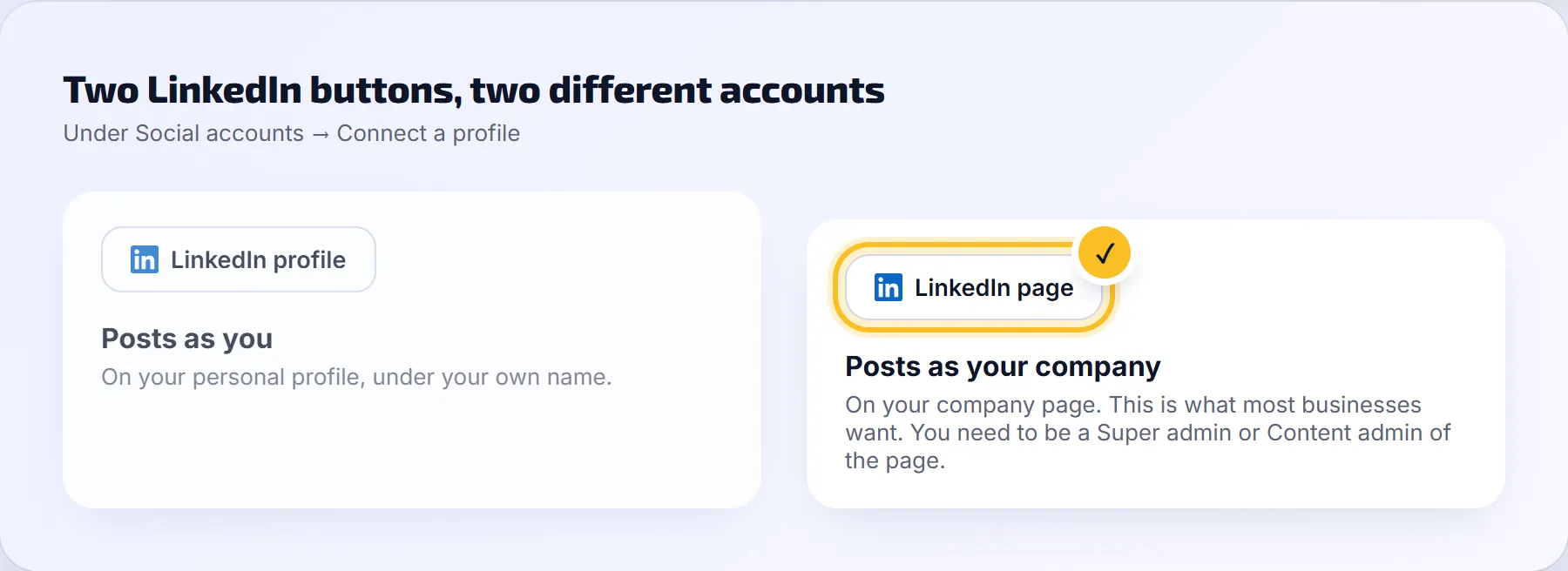
LinkedIn has two kinds of accounts, and the portal has a button for each:
- LinkedIn page posts as your company. This is what most businesses want.
- LinkedIn profile posts as you, on your personal profile.
Connect your company page step by step
- In the portal, go to Social accounts.
- If your personal profile was connected by mistake, click the bin icon next to it and confirm.
- Under Connect a profile, click LinkedIn page.
- Log in to LinkedIn with your own account. That’s normal: you manage the page through it.
- Allow the permissions LinkedIn asks for.
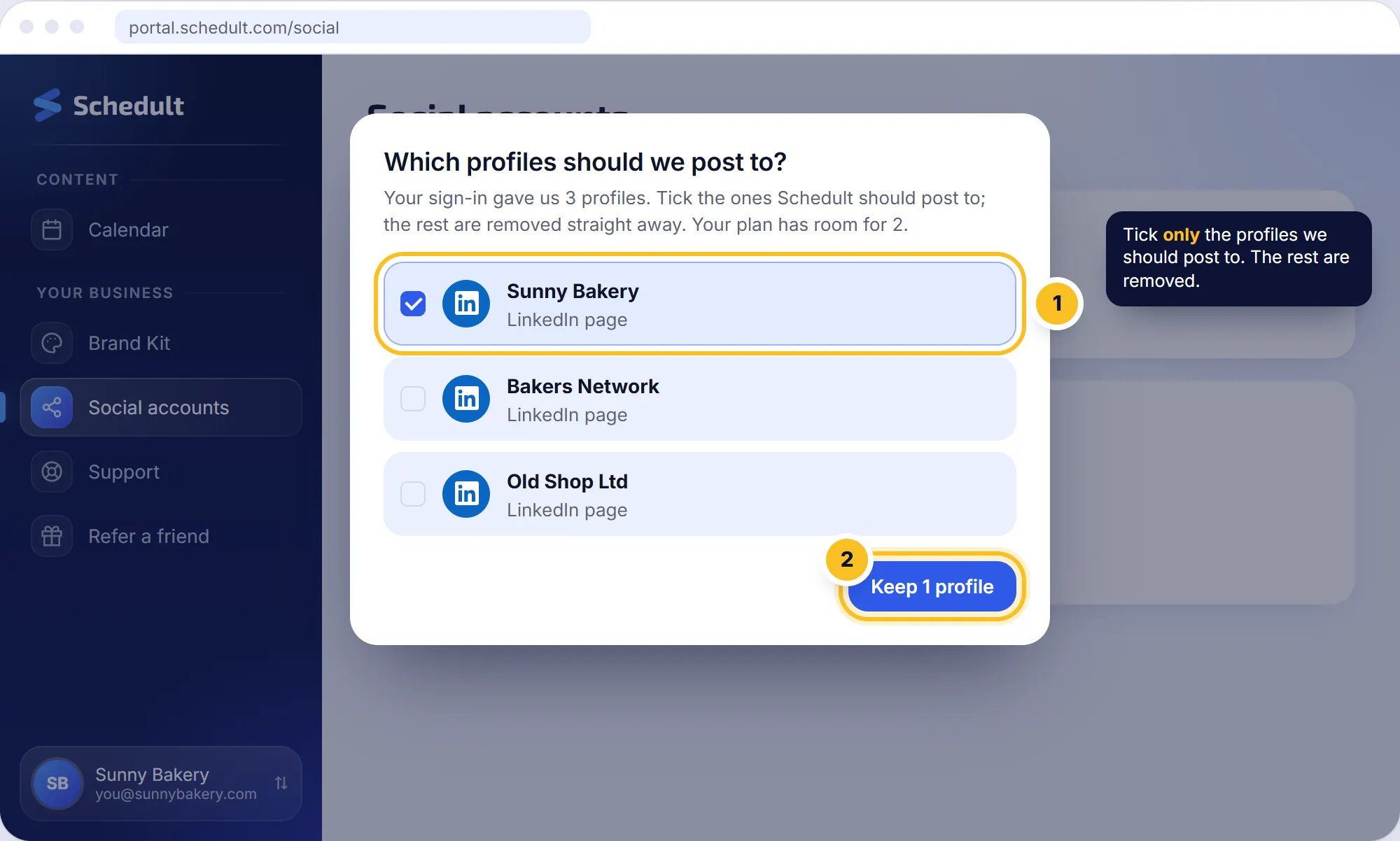
- Back in the portal, LinkedIn adds every page you’re an admin of. When the portal asks Which profiles should we post to?, tick only your company page and click Keep. The rest are removed straight away.
My company page isn’t offered
You need to be a Super admin or Content admin of the page.
- Ask a Super admin of the page to open it on LinkedIn.
- They go to Settings, then Manage admins, and add you as Super admin or Content admin.
- Connect again in the portal.
Can you post to both my page and my profile?
Yes. Connect both. Each counts as one channel in your plan.